
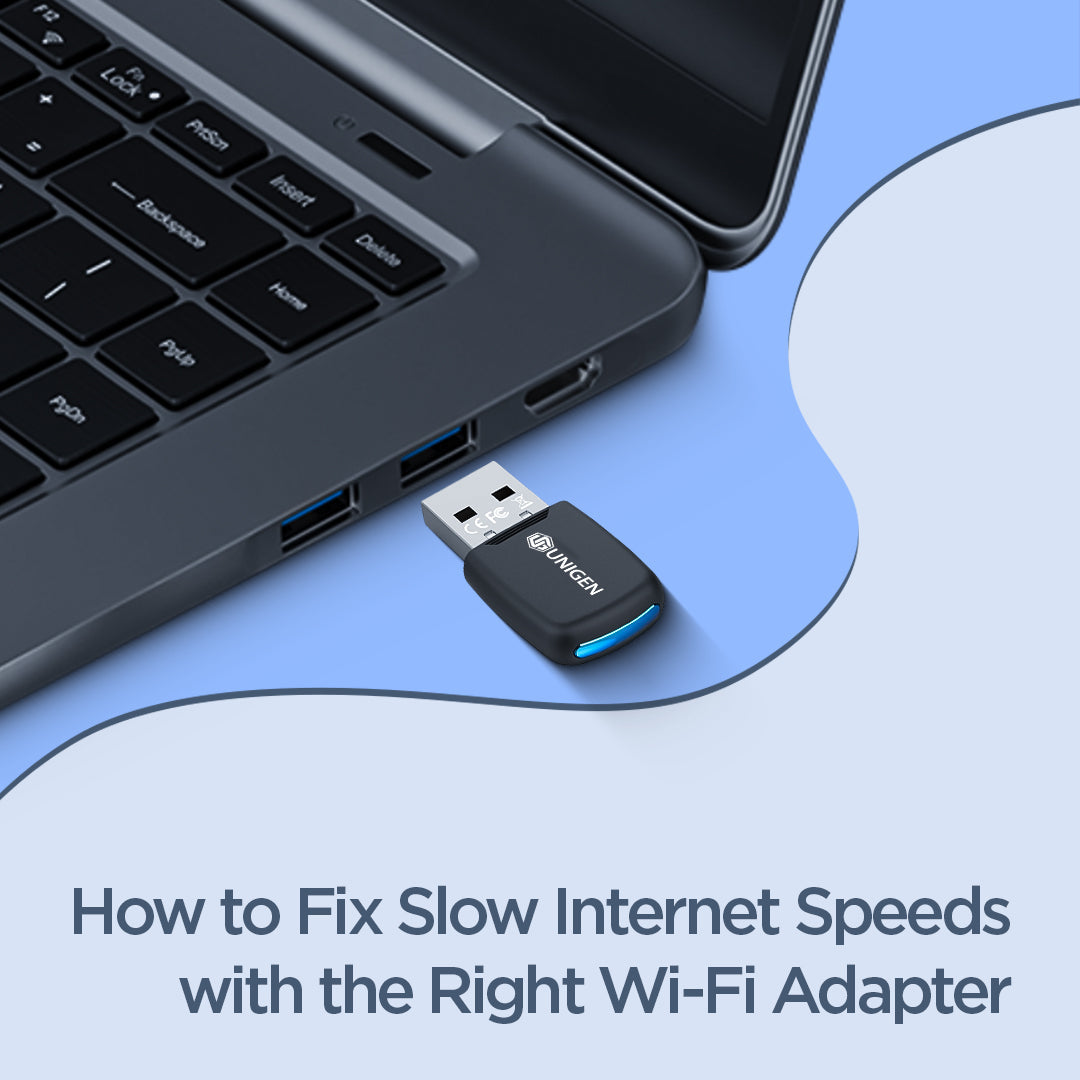
How to Fix Slow Internet Speeds with the Right Wi-Fi Adapter
Few things are more frustrating than a slow internet connection. Whether you're attending an important video meeting, streaming your favorite content, downloading files, or playing online games, poor Wi-Fi performance can disrupt your entire experience.
While many people immediately blame their internet service provider (ISP) or router, the real issue is often much closer to home: the Wi-Fi adapter being used on the device.
If your laptop or desktop struggles to maintain a stable wireless connection, upgrading to the right Wi-Fi adapter can significantly improve performance. In this guide, we'll explain how Wi-Fi adapters affect internet speed, common reasons for slow connectivity, and how products like the UNIGEN 300 Mbps WiFi Adapter, UNIGEN 600 Mbps WiFi Adapter, and UNIGEN 900Mbps Dual Band WiFi Adapter can help create a better online experience.
Why Is Your Internet Speed Slow?
Many users assume that slow internet automatically means their broadband connection is poor. However, internet speed can be affected by several factors, including:
-
Outdated Wi-Fi hardware
-
Weak wireless signals
-
Network congestion
-
Distance from the router
-
Older devices without modern Wi-Fi support
-
Interference from walls and electronic devices
If your router and internet plan are performing well but your device still struggles, the Wi-Fi adapter may be the missing piece.
What Is a Wi-Fi Adapter?
A Wi-Fi adapter is a device that allows your computer or laptop to connect to a wireless network.
Many older desktops do not have built-in Wi-Fi capabilities, while some laptops use outdated wireless modules that cannot take full advantage of modern internet speeds.
USB Wi-Fi adapters provide an easy solution by upgrading wireless connectivity without requiring complicated hardware installations.
Benefits of a Wi-Fi Adapter
-
Faster wireless connectivity
-
Better signal reception
-
Improved network stability
-
Easy plug-and-play installation
-
Cost-effective upgrade for older devices
For users experiencing slow internet speeds, a quality Wi-Fi adapter can often deliver noticeable improvements.
Signs You Need a New Wi-Fi Adapter
Not sure whether your adapter is causing the issue?
Here are some common warning signs:
-
Frequent connection drops
-
Slow download speeds
-
Poor video call quality
-
Buffering while streaming
-
Weak Wi-Fi signal detection
-
Difficulty connecting to modern routers
If you experience any of these problems regularly, upgrading your wireless adapter may be a smart solution.
[IMAGE PLACEMENT: User Experiencing Slow Internet on Laptop]
1. UNIGEN USB WiFi 300 Mbps Adapter – Simple & Reliable Upgrade
The UNIGEN USB WiFi 300 Mbps Dongle Adapter for Desktop PC is a great entry-level solution for users who want stable internet for everyday use.
Key Features:
-
Up to 300 Mbps speed
-
2.4GHz band support
-
Built-in WiFi 6 receive (802.11ax support)
-
LED light indicator
-
External wireless network card design
-
Supports Windows 7 / 10 / 11
-
Free driver installation support
Best For:
-
Browsing & emails
-
Online classes
-
Office work
-
Light streaming
This adapter is perfect for users who need a simple plug-and-play solution for improving basic internet performance.

2. UNIGEN 600 Mbps Dual Band WiFi USB Adapter + Bluetooth 5.4
If you need better speed and modern connectivity, the UNIGEN 600Mbps Dual Band WiFi USB Adapter is a powerful mid-range upgrade.
Key Features:
-
Up to 600 Mbps speed
-
Dual Band: 2.4GHz + 5.8GHz
-
Built-in Bluetooth 5.4 support
-
Compact mini USB design
-
Wireless WiFi receiver for PC & laptop
-
Compatible with Windows 7 / 10 / 11
Why Dual Band Matters:
-
2.4GHz = better range
-
5.8GHz = faster speed & low interference
Best For:
-
Work from home users
-
HD video streaming
-
Online meetings (Zoom, Teams, Google Meet)
-
Multi-device households
This adapter is ideal for users who want a balance of speed, stability, and modern features like Bluetooth connectivity.

3. UNIGEN 900Mbps Dual Band WiFi USB Adapter + Bluetooth 5.4
For users who want maximum performance, the UNIGEN 900Mbps Dual Band WiFi USB Adapter is the most advanced option in the lineup.
Key Features:
-
Up to 900 Mbps ultra-fast speed
-
Dual Band: 2.4GHz + 5.8GHz support
-
Built-in Bluetooth 5.4
-
Driver-free installation (plug & play)
-
Supports Windows 10 / 11
-
High-speed USB WiFi receiver for PC & laptop
Best For:
-
Online gaming
-
4K video streaming
-
Heavy downloads/uploads
-
Content creators
-
Professional workstations
Why This Adapter Stands Out:
-
Higher speed capacity for modern internet usage
-
Reduced lag during gaming
-
Stable performance even in crowded networks
-
No driver hassle (driver-free setup)
If you want a future-ready Wi-Fi solution, this is the most powerful option from Unigen.

How to Choose the Right Wi-Fi Adapter
Selecting the right adapter depends on how you use the internet.
Choose the UNIGEN 300 Mbps USB WiFi Adapter if:
-
You browse websites regularly
-
You use email and social media
-
You need an affordable Wi-Fi upgrade
Choose the UNIGEN 600 Mbps WiFi USB Adapter if:
-
You attend frequent video meetings
-
You stream HD content
-
You work remotely
Choose the UNIGEN 900Mbps Dual Band WiFi USB Adapter if:
-
You game online
-
You stream high-quality content
-
You have multiple connected devices
-
You want the best wireless performance
Additional Tips to Improve Wi-Fi Speed
A Wi-Fi adapter can make a significant difference, but combining it with good networking practices delivers even better results.
Optimize Router Placement
Place your router in a central location away from thick walls and large electronic devices.
Reduce Interference
Keep wireless devices away from microwaves, cordless phones, and other sources of signal interference.
Update Drivers
Ensure your Wi-Fi adapter drivers remain updated for optimal performance.
Upgrade Older Hardware
Modern adapters often support better wireless technologies than older built-in network cards.
Final Thoughts
Slow internet speeds don't always mean there's a problem with your broadband connection. In many cases, outdated wireless hardware limits your device's ability to take full advantage of available internet speeds.
Upgrading to a modern Wi-Fi adapter is one of the easiest and most affordable ways to improve connectivity.
Whether you need a reliable everyday solution like the UNIGEN 300 Mbps USB WiFi Adapter, a balanced performer like the UNIGEN 600 Mbps WiFi USB Adapter, or the advanced capabilities of the UNIGEN 900Mbps Dual Band WiFi USB Adapter, choosing the right adapter can help create a faster, more stable, and more enjoyable online experience.
Investing in the right Wi-Fi adapter today can transform the way you work, stream, learn, and stay connected every day.